Getting Started with CXperience Builder
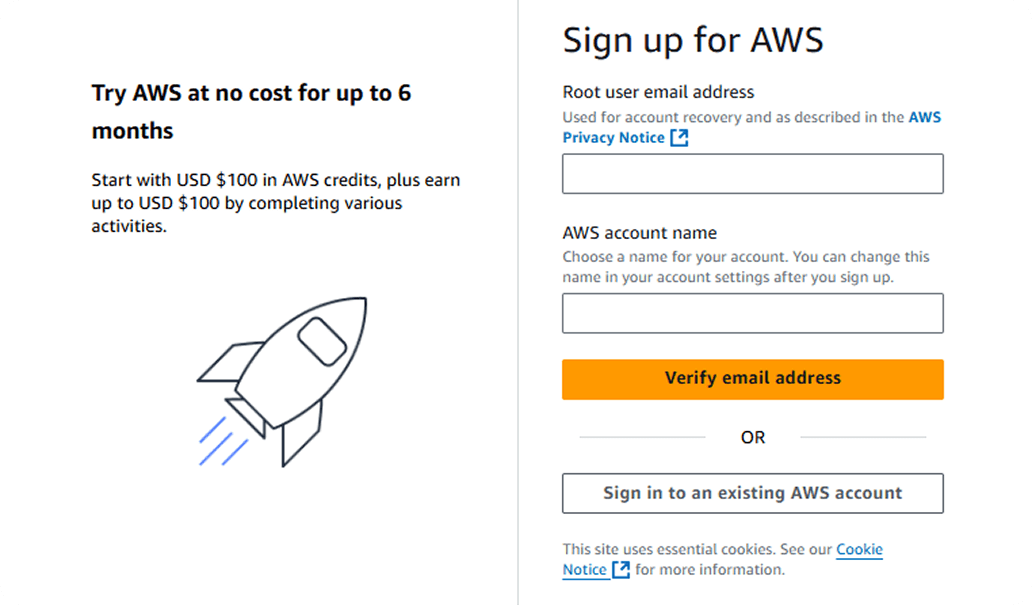
Step 2
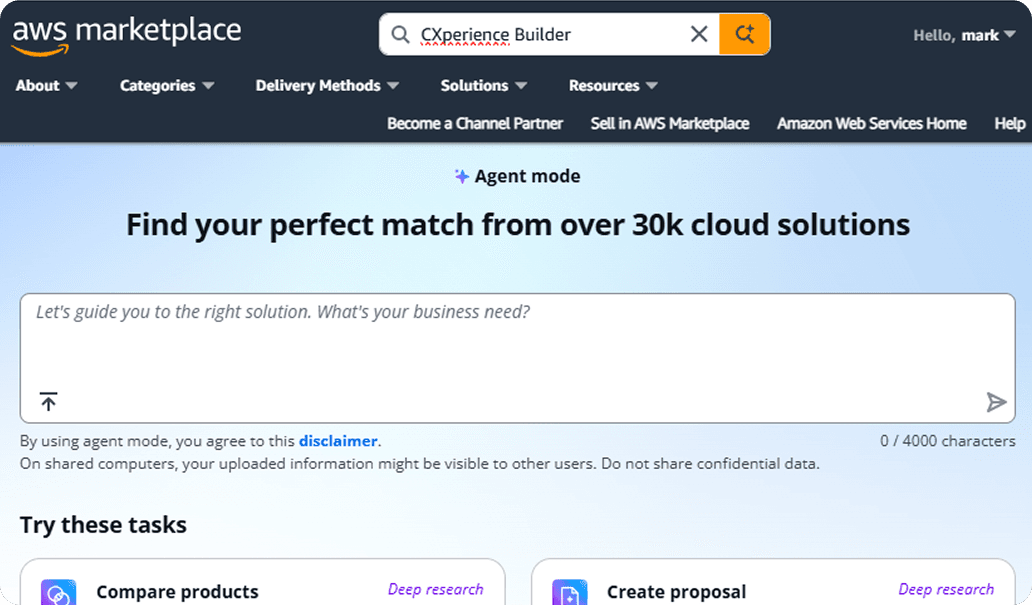
Once logged in, search CXperience Builder.
Step 3
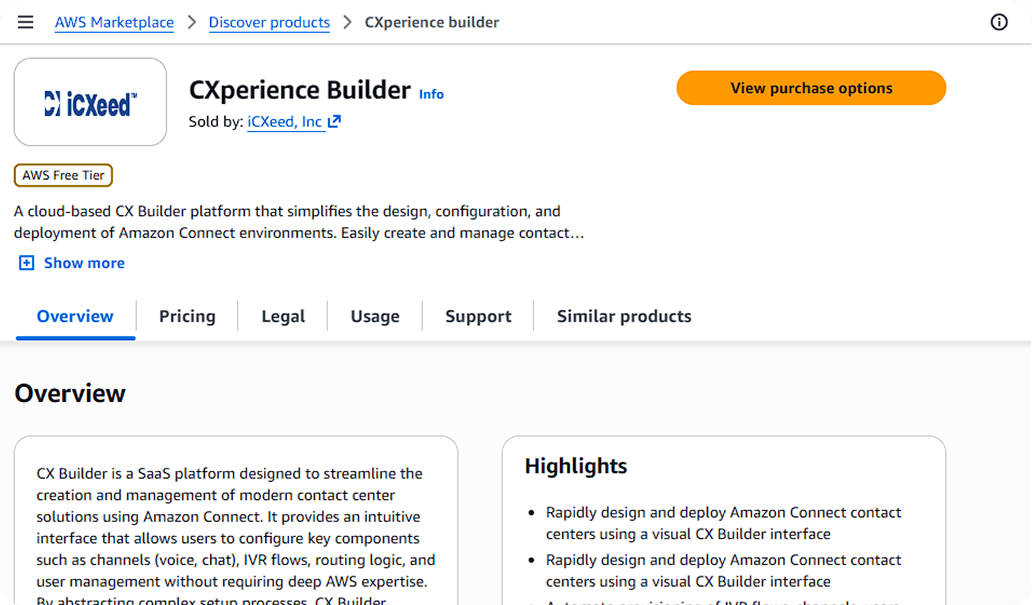
Click “View purchase option”
Step 4
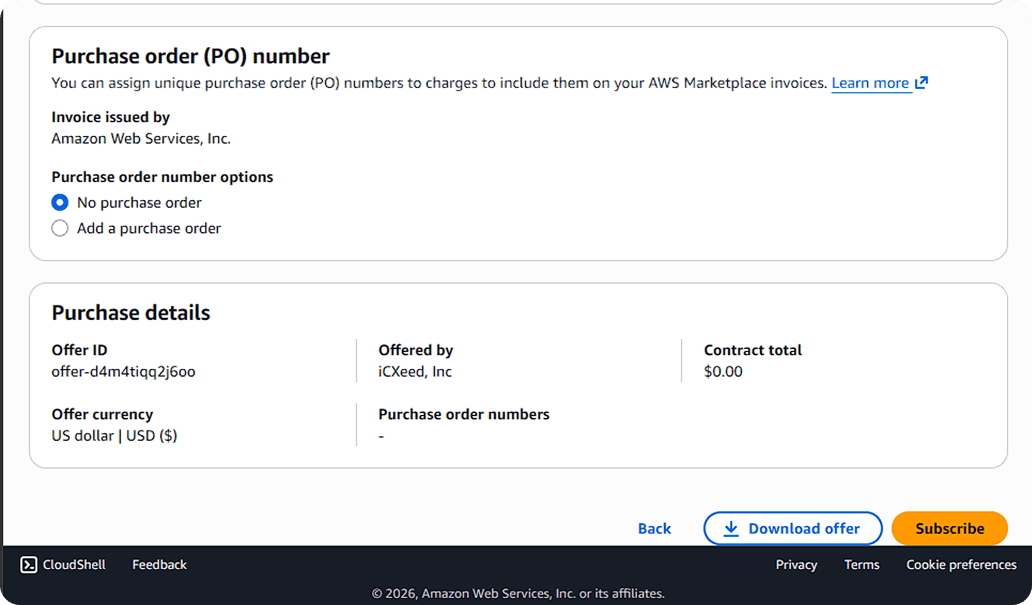
Scroll down and Subscribe to the service for the number of users you need to begin.
Note: you can change the users later, and you only need one user to begin. You will then be taken to our CXperience Builder page to build your Amazon Connect experience.
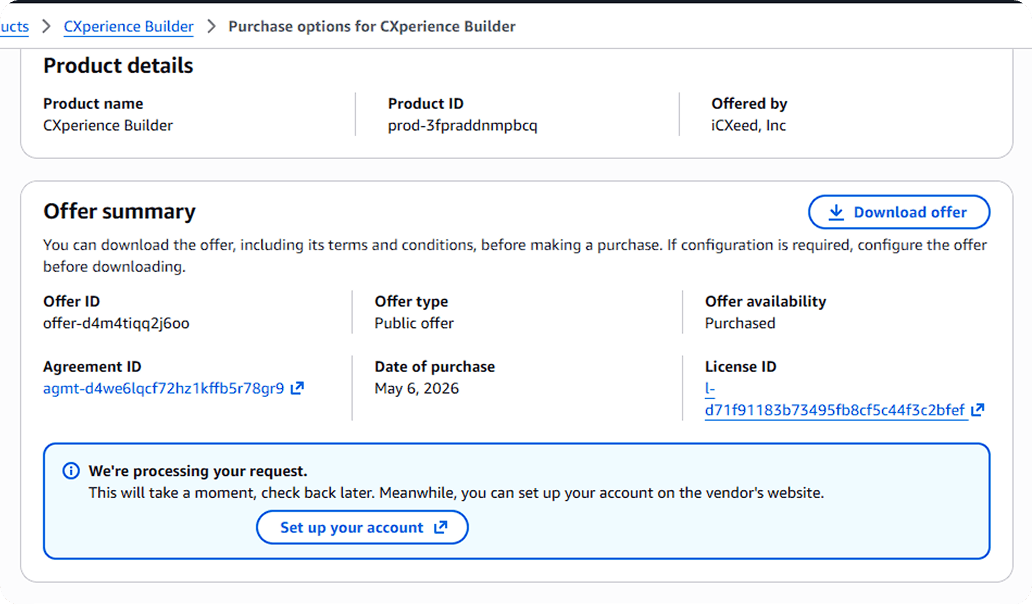
Step 5
To get started with CXperience Builder, scroll down and click “Set up your account”